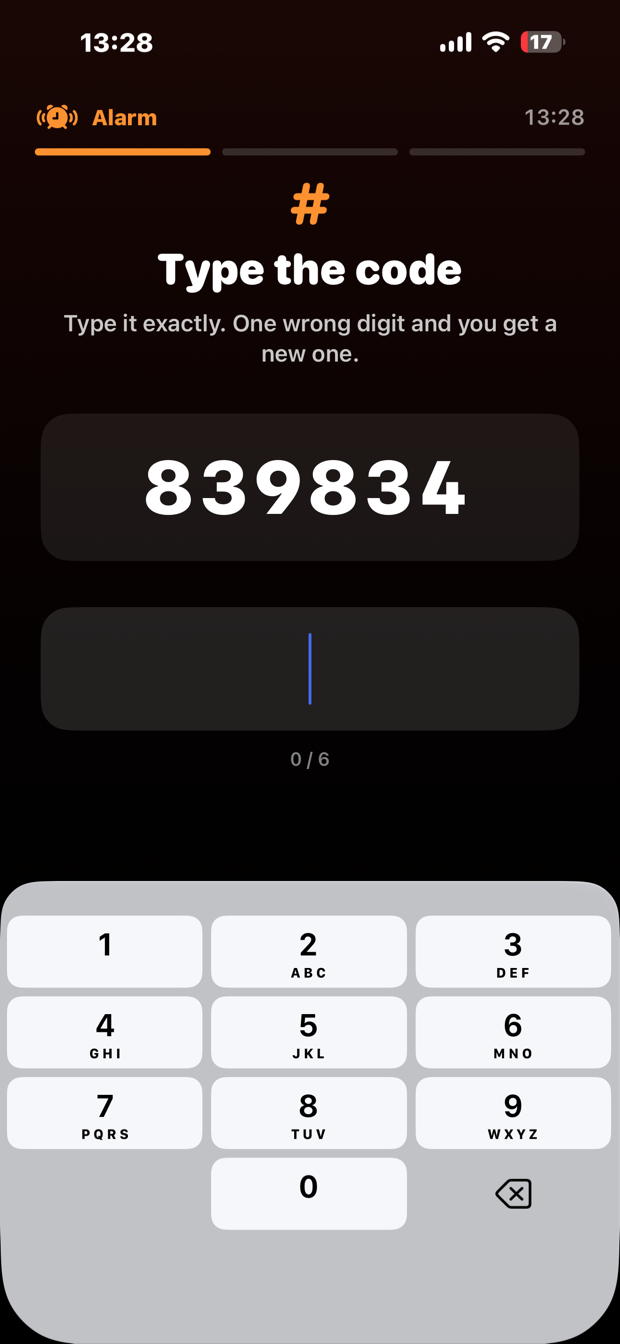
Type the code
Six digits, freshly generated, with no runs or repeats to make it easy to fumble. One wrong digit and you get a new one.
A code, right now
 WakeHard
Get the app
WakeHard
Get the app
Alarm ringing
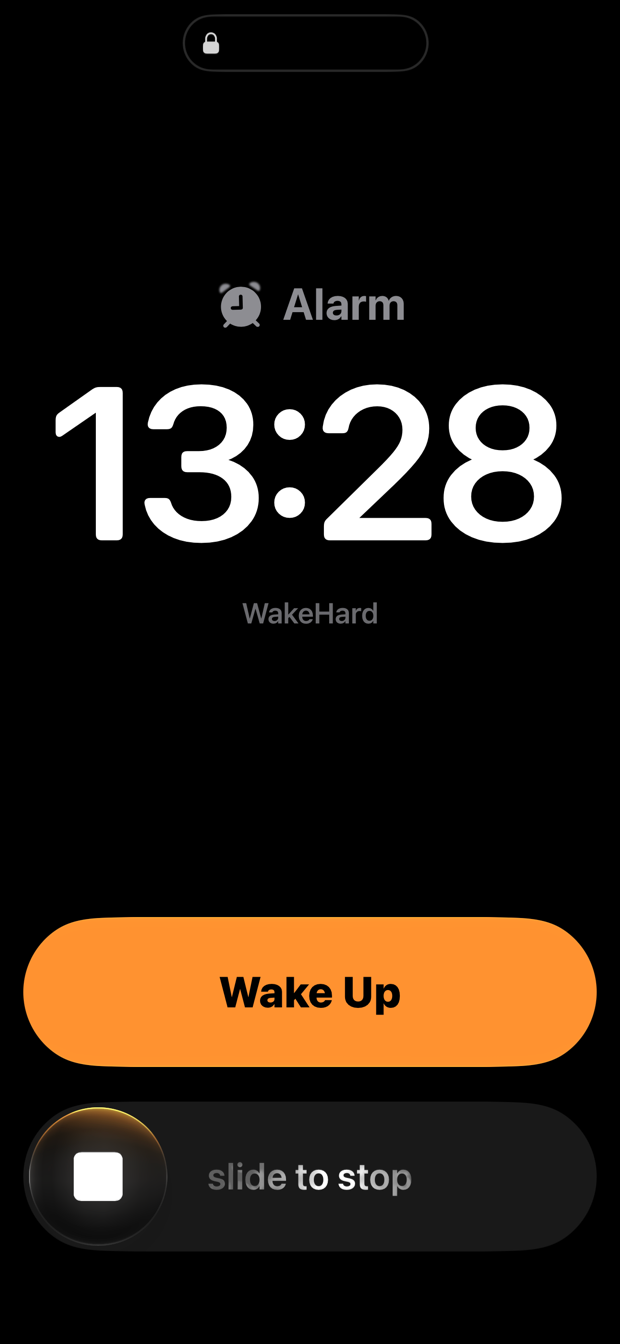
WakeHard rings at full volume through Silent mode and Focus. It keeps ringing until you've typed a six-digit code, shaken the phone fifty times, and photographed a room you can only reach by standing up.
iPhone · iOS 26.1 or later · free
You can't choose which ones to use. An alarm you can weaken in advance is one you'll weaken at 6am.
Six digits, freshly generated, with no runs or repeats to make it easy to fumble. One wrong digit and you get a new one.
A code, right now
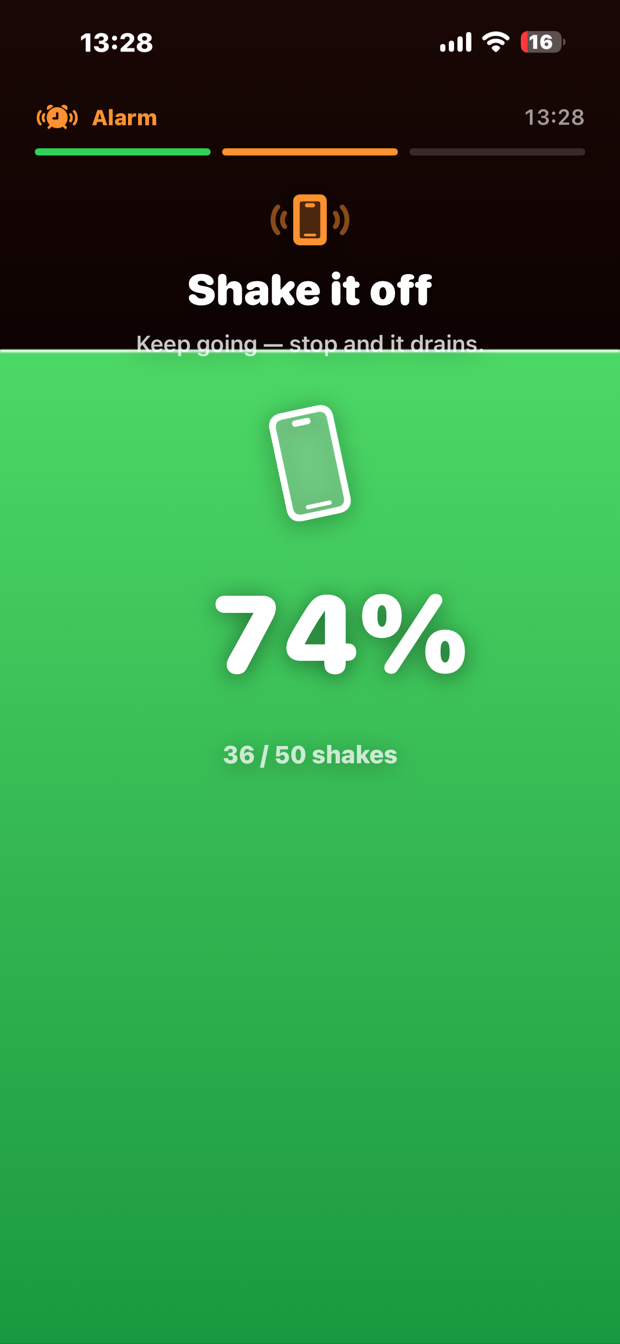
The screen fills green from the bottom as you shake. Fifty direction changes, counted from the accelerometer — a lazy swing won't register. Stop moving and the level drains back down.
Drag to fill
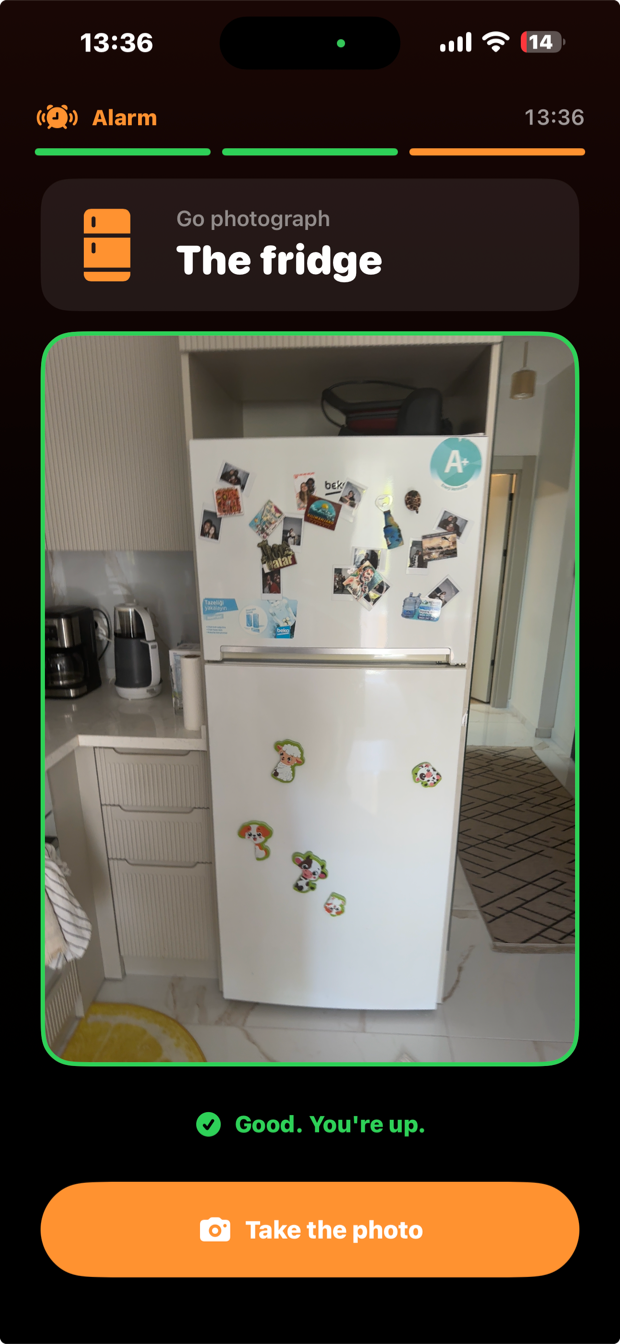
It names a room and shows you a picture of it. Walk there, photograph it, and the phone decides. The kitchen, the bathroom or the living room — never the bedroom.
Point the camera at anything that room contains. No dishwasher? The sink, the fridge or the counter will do.
Every shortcut a half-asleep person reaches for, and what the app does about it.
The photo challenge recognises rooms with Vision, Apple's on-device image classifier. Your photo is examined in memory on the phone and discarded. It is never uploaded, never saved to your library, and never seen by us.
There is no account, no sign-in and no analytics. WakeHard has no server, so there is nowhere for your data to go even if we wanted it.
This is also why it works at 6am in a hotel with broken wifi.
Calls, messages and everything else work normally. WakeHard only takes over the screen while an alarm of its own is ringing, and it never blocks the phone app.
The bar relaxes as you keep trying, and after six honest attempts the app offers you a different room instead. It will never accept a wrong photo to let you off — that would teach you the challenge is fake — but it will not trap you either.
No. Snooze is the thing this app exists to remove. If you want a snooze button, the alarm already built into your phone has an excellent one.
AlarmKit is the only iOS interface that lets an app ring through Silent mode and Focus and put a full-screen alert on the Lock Screen. It arrived in iOS 26, and the alert style WakeHard uses arrived in 26.1. On anything older this app could only post a notification you'd swipe away in your sleep.
Not while it's waiting. The system holds the alarm, so nothing of ours runs until it fires. The audio and camera only wake up once you're already awake.
Not yet. Android's alarm and lock-screen behaviour is different enough that it needs building properly rather than ported badly.